

Excel Timesheet Templates Aren't Time Tracking — They're a Time Tax
Excel templates feel free. They are not. Here is the real cost — and a way to keep the Excel output without the Excel labor.
Excel Timesheet Templates Aren't Time Tracking — They're a Time Tax
There is a good reason Excel timesheet templates dominate Google search results: they look free. Download a file, fill in your hours, send it to HR. Done.
Except the file is not free. You are paying for it in time, and the price is steep enough to be worth naming.
The real cost of "free" templates
- 30 to 60 minutes per week, per person, in manual entry
- Broken formulas when someone unprotects a cell
- Inconsistent formatting across team submissions
- Version drift — half your team is on the 2022 template, half on the 2024 one
- Zero auditability — Excel does not know whether you actually had that meeting
Why Excel still wins on the output side
To be fair, your HR system probably wants Excel. Your accountant probably wants Excel. Your client probably wants Excel. We are not arguing against the format — Excel is genuinely a great delivery medium for tabular data.
We are arguing against using Excel as the input medium. That is where the tax lives.
The clean separation we built
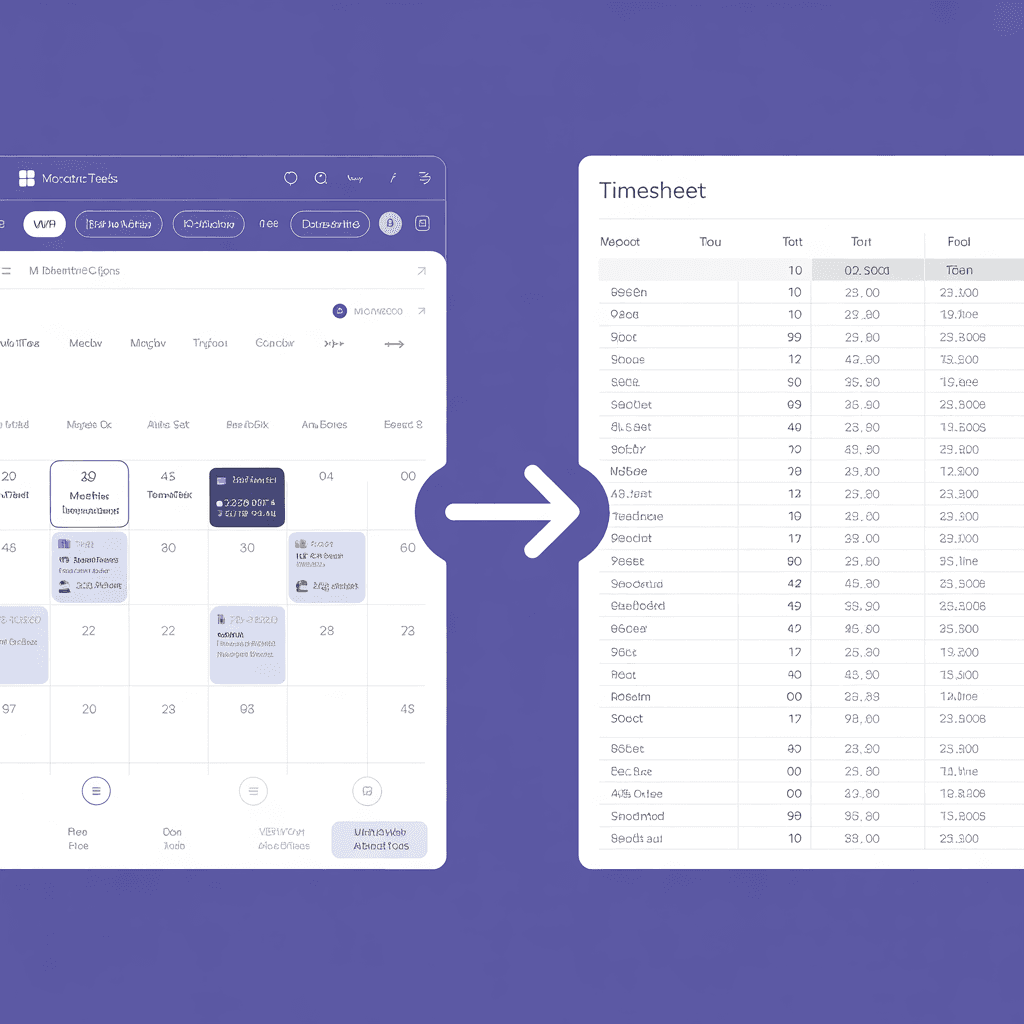
Stintt uses your calendar as the input and produces Excel as the output:
- Input: events you already have (calendar, Jira, Zoom, Teams, etc.)
- Output: a polished, well-formatted Excel file (or CSV, or PDF) that drops cleanly into whatever system you need to send to
What templates cannot give you
- Automatic deduplication across sources
- Project rules that learn from your past edits
- Read-only audit trail back to the calendar event
- One-click delivery via scheduled email
Keep what works, automate what doesn't
If your team loves a particular Excel layout, send it to us — our export templates are configurable. You get the file you already trust, generated from the events you already have, with zero typing.
Try the Excel export → — your template, our automation.
- See how Stintt builds automatic timesheets from Google Calendar
- Set up the Google Calendar timesheet integration
- Try the free timesheet calculator
- Compare plans on Stintt pricing
Related articles
ClickUp Time Tracking to Excel: Step-by-Step Guide
ClickUp has solid built-in time tracking, but exporting it to Excel for clients or management is clunky. Here are three ways to get your ClickUp hours into a proper spreadsheet.
How to Create Timesheets from Asana Tasks
Asana doesn't have native timesheet export. Here's how to turn your Asana tasks and time tracking into professional timesheets for clients and managers.
How to Export Microsoft Teams Meetings to a Timesheet
Your Teams calendar already tracks every meeting. Here's how to turn that data into a professional timesheet — manually, with Power Automate, or with an automated tool.