

Stintt vs. Toggl: Which Is Right for You?
Both tools help with timesheets, but they solve different problems. Toggl tracks time in real-time. Stintt exports it retroactively. Here's when to use each.
Two Different Approaches to the Same Problem
Toggl Track and Stintt both help you create timesheets. But they approach the problem from opposite directions:
- Toggl Track is a timer-first tool. You start a timer when you begin a task, stop it when you're done, and Toggl records the entry. At the end of the week, your time log is your timesheet.
- Stintt is an export-first tool. You don't track anything new — you connect calendars and project tools you already use, and it pulls the data into a formatted timesheet.
Feature Comparison
| Feature | Toggl Track | Stintt |
|---|---|---|
| Approach | Start/stop timer | Pull from existing tools |
| Data source | Manual entry + timer | Google Calendar, Teams, Jira, ClickUp (Zoom, Asana, Monday.com and Toggl coming soon) |
| Real-time tracking | Yes (core feature) | No (retroactive export) |
| Multiple sources | Toggl only | 4 live sources in one export |
| Excel export | CSV (raw) | Formatted .xlsx with templates |
| Template formats | PDF reports | 6 templates (standard, billing, grid, etc.) |
| Data storage | Toggl servers | Processed in your browser; nothing stored by default |
| Team management | Yes (Team plan) | No (individual export) |
| Invoicing | No (but integrates with tools) | No |
| Free tier | 5 users, unlimited tracking | 1 source, 7-day exports |
| Paid pricing | $9/user/month | $9/month (flat) |
| Mobile app | Yes (iOS, Android) | No (web-based) |
When Toggl Is the Better Choice
1. You need real-time tracking. If your workflow requires knowing exactly how long a task takes as you do it — for personal productivity, for estimating future projects, or for strict per-task billing — Toggl's timer is the right tool.
2. You work on tasks that aren't in any calendar. Deep coding sessions, design work, writing — these often don't appear on your calendar. Toggl captures them.
3. You need team management. Toggl's Team and Business plans include manager dashboards, project budgets, and team-level reporting. Stintt is designed for individual export, not team oversight.
4. You want a mobile app. Toggl has solid iOS and Android apps. Stintt is web-only.
When Stintt Is the Better Choice
1. Your work is already tracked elsewhere. If your meetings are in Google Calendar, your tasks are in Jira, and your calls are in Zoom — the data exists. You don't need to track it again with a timer. Just export it.
2. You need formatted Excel output. Toggl exports raw CSV. Stintt exports formatted .xlsx with 6 template options — standard, detailed, daily summary, client billing, simple log, and grid.
3. You use multiple tools. A developer might have meetings in Google Calendar, sprint work in Jira, and ad-hoc tasks in ClickUp. Stintt combines all three into one export. With Toggl, you'd need to enter everything into Toggl manually or use one data source.
4. Data privacy matters. Stintt processes everything in your browser. Your calendar data is never sent to any server. Toggl stores your data on their servers (with standard security practices).
5. You hate timers. Some people find timers disruptive. Constantly starting and stopping a timer breaks flow. If you'd rather just export at the end of the week, Stintt's approach is less intrusive.
Using Both Together
Here's the thing: they're not mutually exclusive.
Many users track focused, non-meeting work in Toggl (coding sessions, design work, writing) and let their calendar handle meetings and scheduled work. Then they connect both to Stintt:
- Google Calendar integration pulls your meetings
- Jira and ClickUp pull project work
- A direct Toggl Track integration is coming soon — until it ships, export the timer side from Toggl and combine the two files
Pricing Comparison
| Plan | Toggl Track | Stintt |
|---|---|---|
| Free | 5 users, basic features | 1 source, 7-day exports |
| Starter | $9/user/month | — |
| Pro | — | $9/month (flat, all sources) |
| Premium | $18/user/month | — |
The Bottom Line
Choose Toggl if you need real-time timers, team management, or mobile tracking.
Choose Stintt if your work is already in calendars/project tools and you want formatted Excel exports without additional tracking overhead.
Use both if you want the best of both worlds — timer precision for deep work, automatic capture for everything else.
- See how Stintt builds automatic timesheets from Google Calendar
- Set up the Google Calendar timesheet integration
- Try the free timesheet calculator
- Compare plans on Stintt pricing
Related articles

Free Timesheet Templates for Freelancers 2026
Download free timesheet templates designed for freelancers in 2026. Excel, Google Sheets, and auto-generated options — plus a smarter alternative that fills itself.
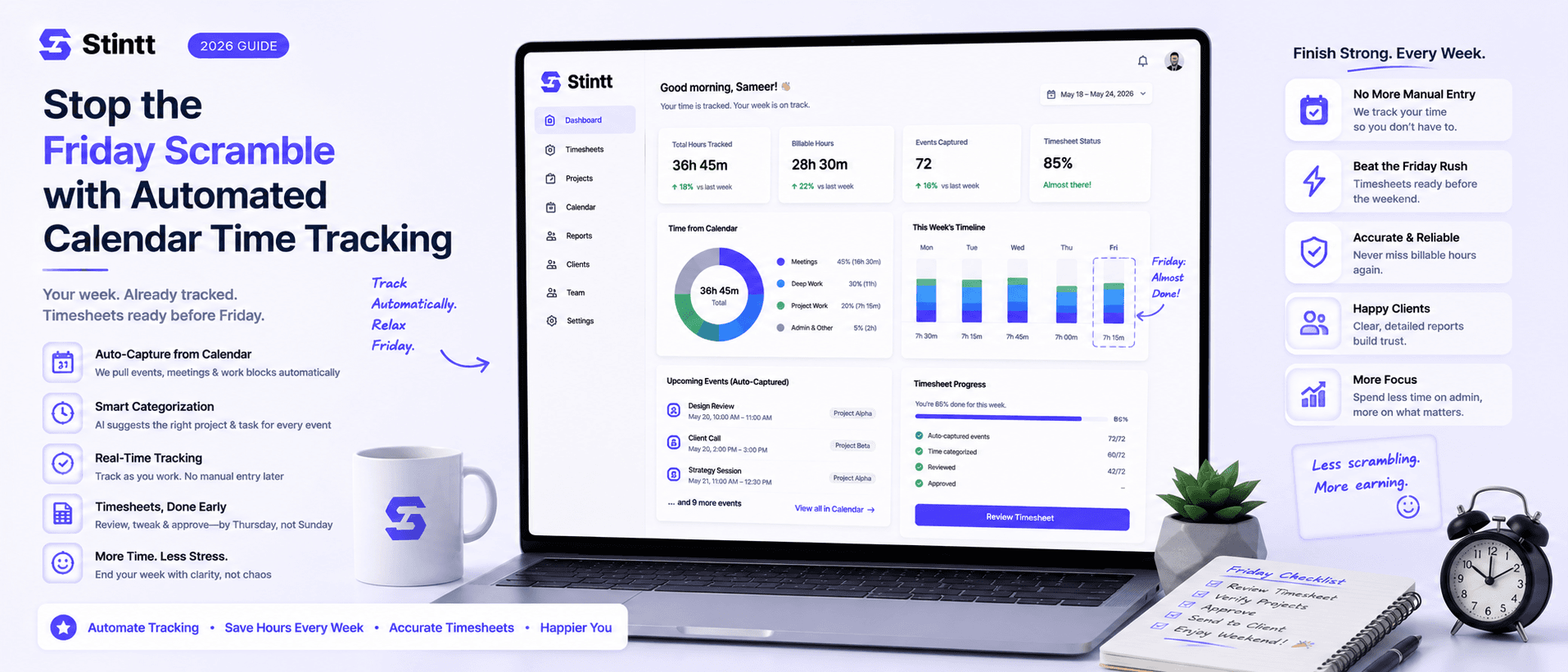
Stop the Friday Scramble with Automated Calendar Time Tracking
Automated calendar time tracking takes the events already sitting in your team's Google Calendars and turns them into drafted timesheet entries each person reviews and approves. Nobody reconstructs a week from memory at 4pm on Friday, and you stop spending Monday chasing the people who never submitted. Here's what the Friday scramble really costs, how calendar-based tracking closes the loop through to invoices, and where it's the wrong fit.
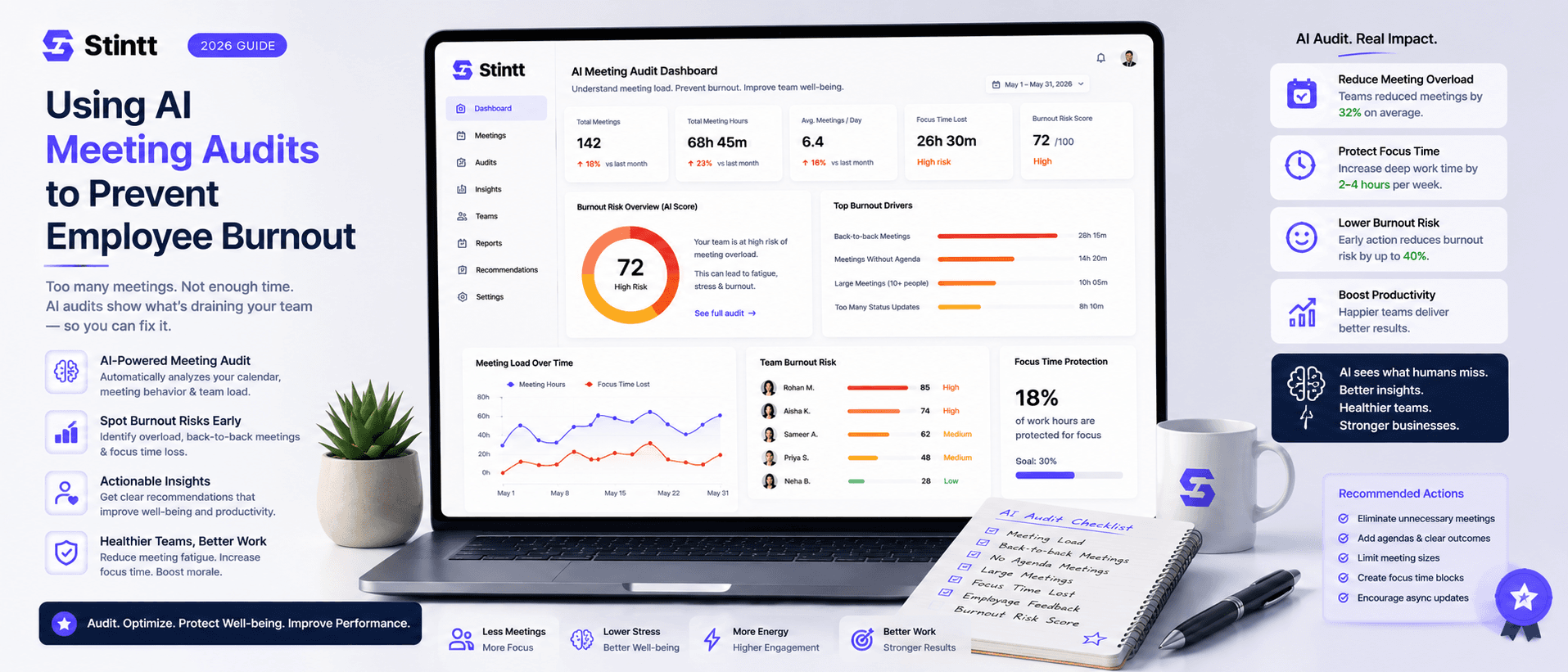
Using AI Meeting Audits to Prevent Employee Burnout
The average professional spends nearly 13 hours a week in meetings — about 84 working days a year — and constant context-switching quietly drains 20% of their mental capacity. At some point a packed calendar stops being busy and starts being a burnout risk. An AI meeting audit reads the calendar your team already keeps and gives you an honest split of meeting load versus focus time, early enough to rebalance workloads before people quit. Here's how it works, the frameworks that make meetings earn their place, and how to gather the insight without tipping into surveillance.