

Friday Afternoons Were Never Meant for Timesheets
If your week ends with reconstructing it from memory, the tool is the problem. Your calendar already knows what you did.
Friday Afternoons Were Never Meant for Timesheets
Most workdays end with a quiet sense of accomplishment. Fridays don't. Around 4 PM a familiar weight settles in — the timesheet is due, and you have to reconstruct your week from memory.
The pain we keep ignoring
You opened thirty browser tabs this week. You took eleven calls. You context-switched between two projects and a code review. By Friday, that texture is gone. What remains is a vague feeling that you worked hard and an empty grid asking for proof in 15-minute increments.
So you guess. You round up here, round down there, and hope nothing audits cleanly. Nobody is proud of this part of the week.
What we believe
A timesheet should not be a memory test. The information is already there — in the meetings you accepted, the focus blocks you scheduled, the calls that ran long. Your calendar is the most accurate, time-stamped record of your week. It is just trapped in the wrong format.
What Stintt does
We read your calendar with read-only access, group events by project using rules you control, and produce a clean Excel timesheet you can review in two minutes.
- Connect once — Google, Outlook, Teams, Zoom, Jira, Asana, ClickUp, Monday, Toggl
- Map your projects — simple text rules ("standup" → Internal, "Acme" → Acme Co.)
- Export anywhere — Excel, CSV, PDF, or push to your HR system
What competing tools miss
Most timesheet apps assume you will log your time. They give you timers, mobile apps, and reminder notifications. That model fights human nature — you are working, not babysitting a stopwatch.
We start from the opposite premise: you already produced the data this week. Let us do the bookkeeping.
Friday, reclaimed
Open Stintt, glance at your week, fix the one or two events that need a category change, click export. Three minutes from start to send.
What you do with the rest of your Friday afternoon is entirely up to you.
Try it free → — connect your calendar in 60 seconds.
- See how Stintt builds automatic timesheets from Google Calendar
- Set up the Google Calendar timesheet integration
- Try the free timesheet calculator
- Compare plans on Stintt pricing
Related articles

Free Timesheet Templates for Freelancers 2026
Download free timesheet templates designed for freelancers in 2026. Excel, Google Sheets, and auto-generated options — plus a smarter alternative that fills itself.
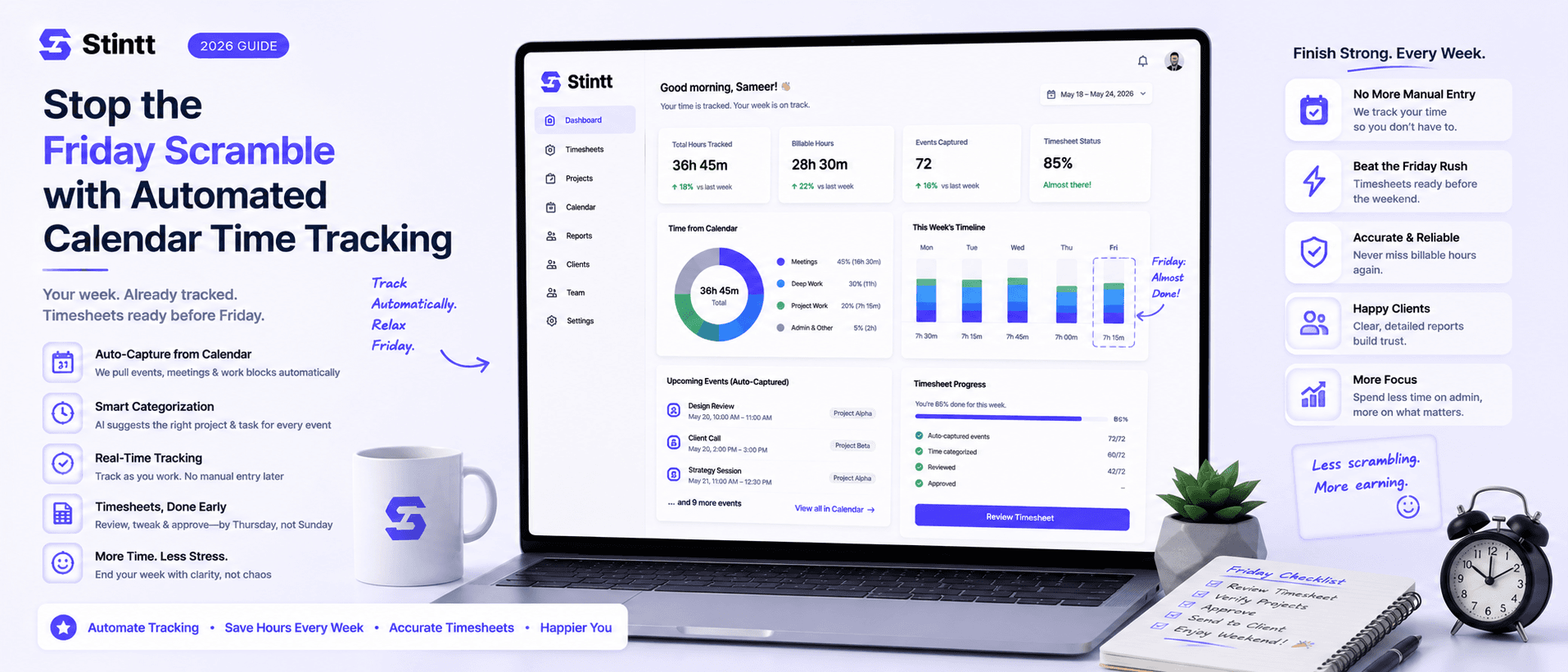
Stop the Friday Scramble with Automated Calendar Time Tracking
Automated calendar time tracking takes the events already sitting in your team's Google Calendars and turns them into drafted timesheet entries each person reviews and approves. Nobody reconstructs a week from memory at 4pm on Friday, and you stop spending Monday chasing the people who never submitted. Here's what the Friday scramble really costs, how calendar-based tracking closes the loop through to invoices, and where it's the wrong fit.
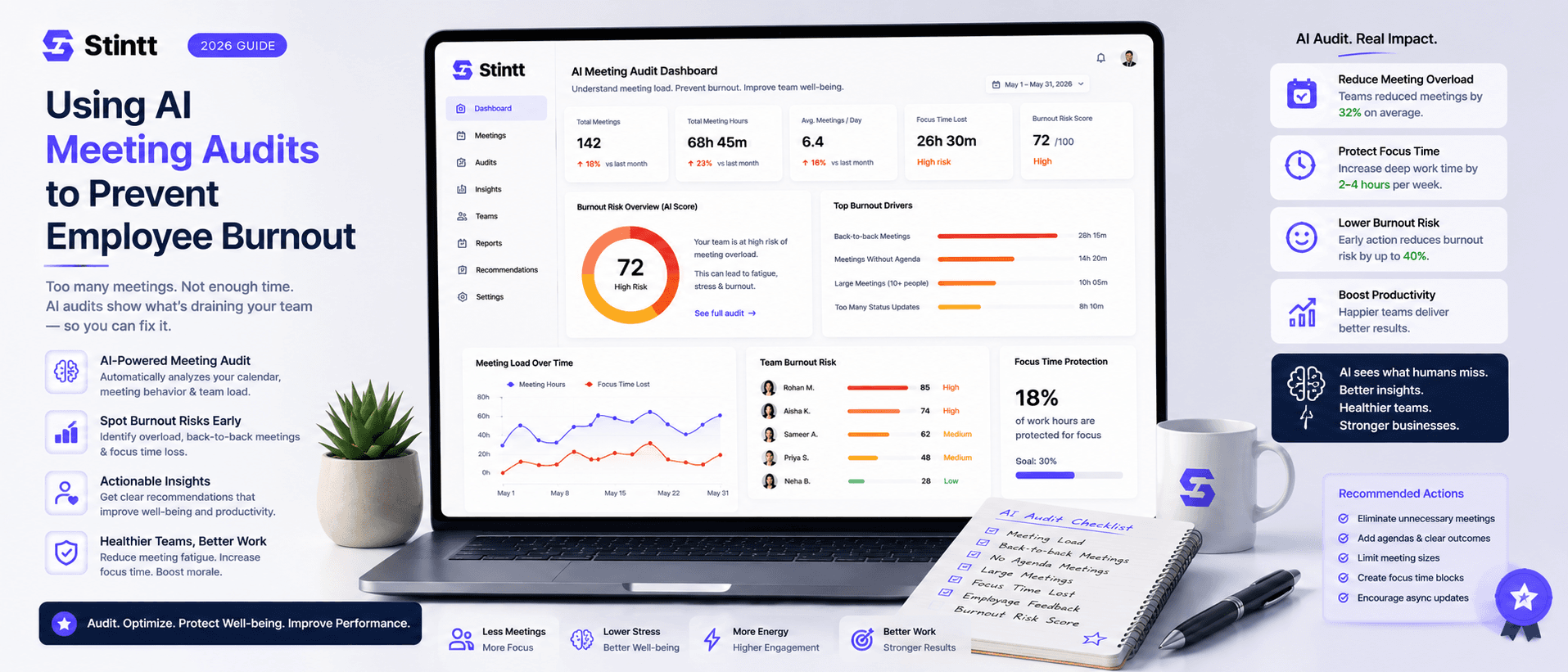
Using AI Meeting Audits to Prevent Employee Burnout
The average professional spends nearly 13 hours a week in meetings — about 84 working days a year — and constant context-switching quietly drains 20% of their mental capacity. At some point a packed calendar stops being busy and starts being a burnout risk. An AI meeting audit reads the calendar your team already keeps and gives you an honest split of meeting load versus focus time, early enough to rebalance workloads before people quit. Here's how it works, the frameworks that make meetings earn their place, and how to gather the insight without tipping into surveillance.