

5 Reasons to Stop Using Manual Timesheets in Excel
Manual Excel timesheets cost you time, accuracy, and money. Here are 5 specific problems — and what to do instead without switching to expensive enterprise tools.
Excel Is Great. Manual Timesheets in Excel Are Not.
Let's be clear: there's nothing wrong with Excel. It's one of the most powerful tools ever built. The problem isn't the format — it's the process of manually filling in rows from memory every Friday.
Here are five specific problems with manual timesheets, with data to back each one up.
1. You're Losing 10-15% of Your Billable Hours
The American Payroll Association found that employees underreport work hours by an average of 10 minutes per day when tracking from memory. For billable professionals, it's worse — Harvard Business Review research puts the gap at 10-15%.
The math at $100/hour:
10 min/day × 5 days × 50 weeks = 2,500 minutes = 41.7 hours/year
41.7 hours × $100/hour = $4,170 lost per person per year
For a 10-person team: $41,700/year evaporating because people can't remember Tuesday morning accurately on Friday afternoon.
The fix: Use your calendar as the source of truth. Meetings and scheduled work are already timestamped. Pull them directly into a timesheet instead of re-typing from memory.
2. Friday Afternoon Syndrome
Nobody fills in timesheets on Monday morning. The universal reality:
- Monday–Thursday: "I'll fill it in later."
- Friday 4:30 PM: "What did I even do this week?"
- Friday 4:45 PM: Round numbers, guesswork, submit.
The fix: If you must track manually, log entries same-day — even a quick note on paper is better than Friday reconstruction. Better yet, let your calendar do the tracking and export at the end of the week.
3. Copy-Paste Errors Are Silent and Expensive
Manual timesheets involve typing the same meeting titles, project names, and time formats week after week. Typos, wrong dates, and copy-paste errors are inevitable — and nobody catches them.
Common errors:
- PM instead of AM — logging a 2 PM meeting as 2 AM
- Wrong week — copying last week's template and forgetting to update dates
- Duplicate entries — logging the same recurring meeting twice
- Missing entries — skipping a calendar event because it wasn't on the screen when you were filling in
These errors cascade into incorrect invoices, payroll mistakes, and compliance gaps.
The fix: Auto-populated timesheets from calendar data don't have typos. The timesheet calculator validates entries in real-time — if end time is before start time, you see it immediately.
4. No Standardization Across Teams
When everyone builds their own Excel timesheet, you get:
- Different column orders
- Different date formats (MM/DD vs. DD/MM vs. YYYY-MM-DD)
- Different rounding conventions
- Different category names ("Dev" vs. "Development" vs. "Engineering")
- Different file names ("timesheet_march.xlsx" vs. "John_wk12.xlsx")
The fix: Use standardized templates. Whether your team uses Standard, Daily Summary, or Client Billing — everyone exports the same format with the same columns.
5. There's No Audit Trail
A manually typed Excel file has no provenance. There's no way to verify:
- When was this timesheet created? (File metadata can be altered)
- Was the data entered in real-time or reconstructed?
- Are the hours accurate or estimated?
The fix: Calendar-based timesheets have built-in provenance — the calendar event was created at a specific time, possibly by another person (meeting organizers). This is stronger evidence than self-reported hours.
What to Do Instead
You don't need to switch to expensive enterprise time tracking software. Here are three levels:
Level 1: Free Calculator Tools (No Signup)
Use our timesheet calculator or work hours calculator. Add entries, get instant calculations, see overtime. No account needed.
Better than a blank Excel sheet because the math is done for you.
Level 2: Calendar-Based Export
Connect your calendar and export events as a formatted timesheet. This solves problems 1-5 in one step:
- No memory required (calendar is the source)
- No Friday reconstruction (export anytime)
- No typos (data comes from the calendar)
- Standardized format (choose a template)
- Built-in provenance (calendar event timestamps)
Level 3: Multi-Source Aggregation
Connect multiple tools — calendar for meetings, Jira for development, ClickUp for task-level time. One export combines everything. A direct Toggl connection is coming soon.
Excel Isn't the Problem
To be clear: the output format should absolutely be Excel. It's universal, your finance team knows it, and your clients accept it. The .xlsx format is fine.
The problem is the input process — manually typing data that already exists in digital systems. Automate the input, keep the output.
- See how Stintt builds automatic timesheets from Google Calendar
- Set up the Google Calendar timesheet integration
- Try the free timesheet calculator
- Compare plans on Stintt pricing
Related articles

Free Timesheet Templates for Freelancers 2026
Download free timesheet templates designed for freelancers in 2026. Excel, Google Sheets, and auto-generated options — plus a smarter alternative that fills itself.
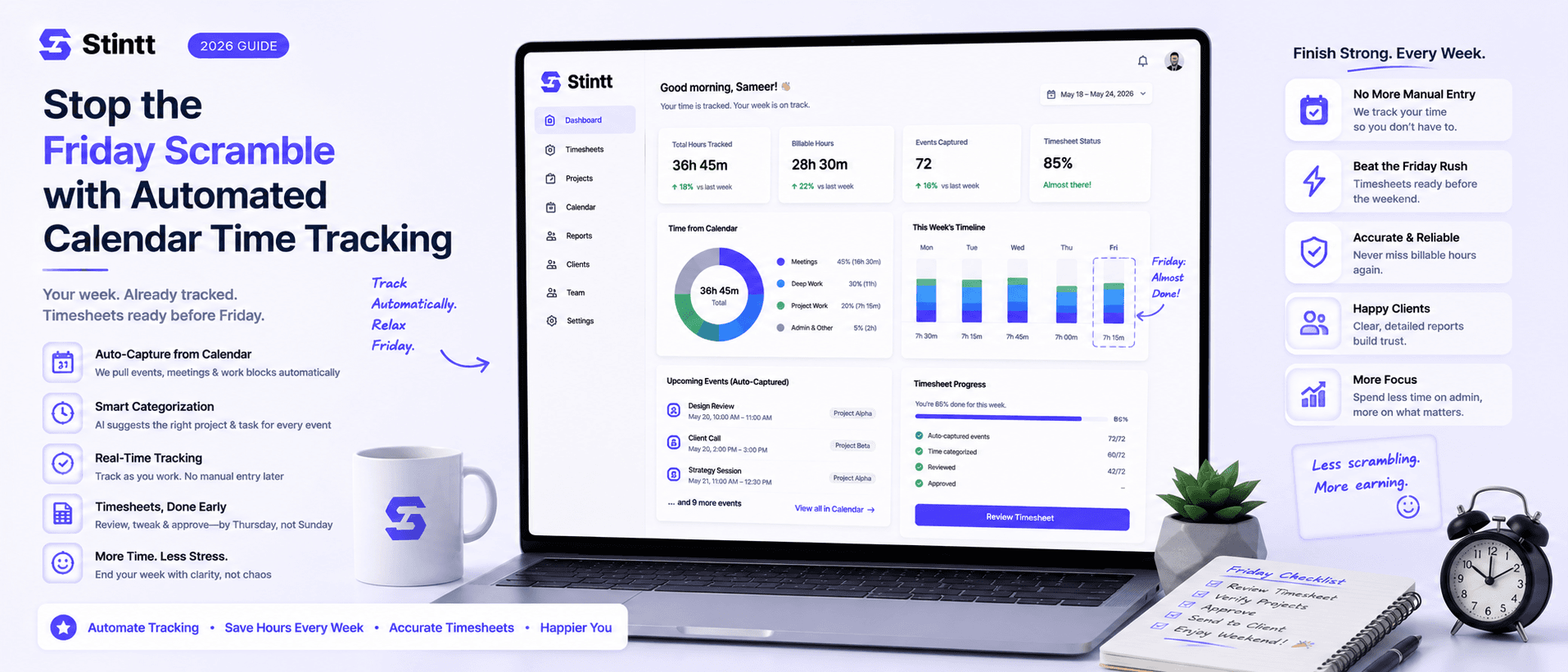
Stop the Friday Scramble with Automated Calendar Time Tracking
Automated calendar time tracking takes the events already sitting in your team's Google Calendars and turns them into drafted timesheet entries each person reviews and approves. Nobody reconstructs a week from memory at 4pm on Friday, and you stop spending Monday chasing the people who never submitted. Here's what the Friday scramble really costs, how calendar-based tracking closes the loop through to invoices, and where it's the wrong fit.
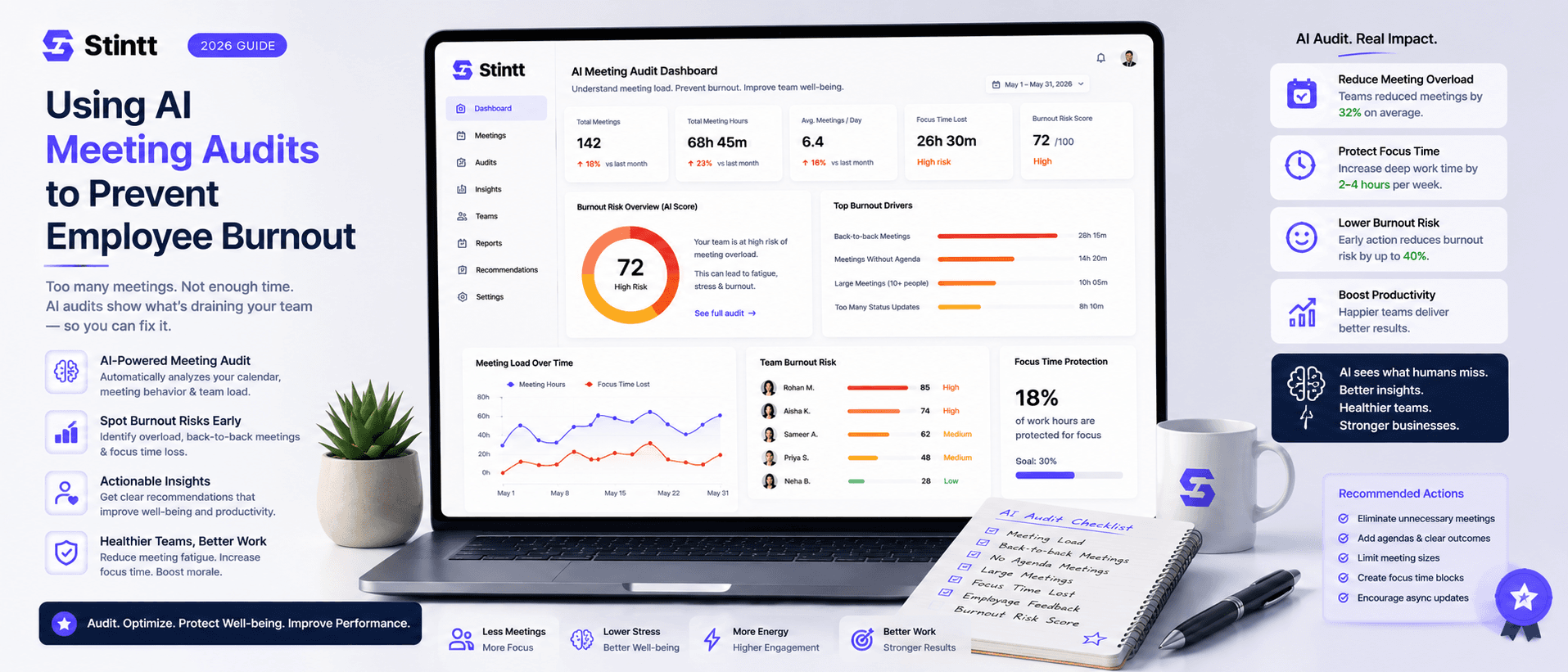
Using AI Meeting Audits to Prevent Employee Burnout
The average professional spends nearly 13 hours a week in meetings — about 84 working days a year — and constant context-switching quietly drains 20% of their mental capacity. At some point a packed calendar stops being busy and starts being a burnout risk. An AI meeting audit reads the calendar your team already keeps and gives you an honest split of meeting load versus focus time, early enough to rebalance workloads before people quit. Here's how it works, the frameworks that make meetings earn their place, and how to gather the insight without tipping into surveillance.