

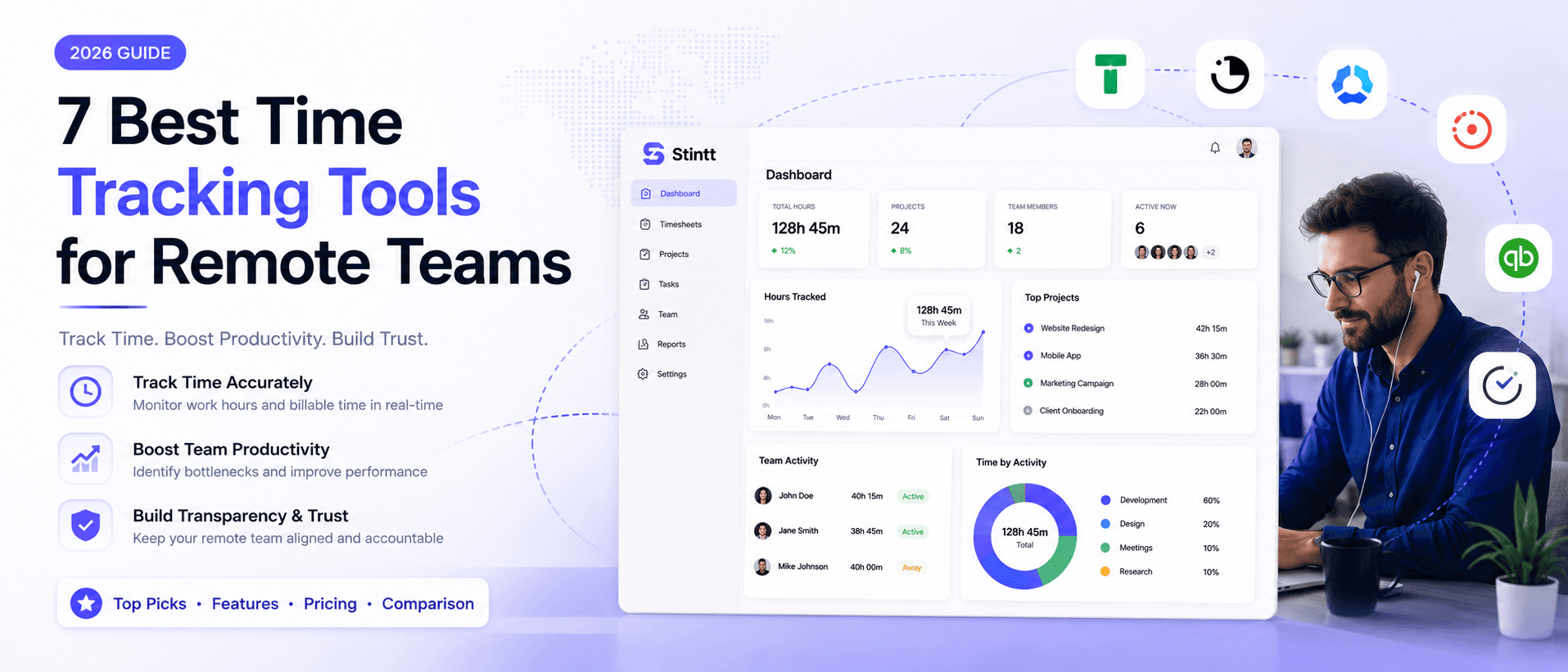
7 Best Time Tracking Tools for Remote Teams (2026)
Manual timesheets run a 15–25% error rate — because nobody remembers Tuesday by Friday. This honest, no-hype comparison breaks down the 7 best automatic time tracking tools for remote teams in 2026, from calendar-native options like Stintt to timer-based classics like Toggl Track. Find the one your team will actually use by Thursday.
7 Best Time Tracking Tools for Remote Teams (2026)
Ask any agency owner where the week's hours actually went and you'll get a shrug, then a guess. That guess is the problem. Paper logs and end-of-week spreadsheets are error-prone — not because people are careless, but because nobody remembers Tuesday by Friday. Automated tools that pull from what you actually did leave far less to memory, and the hours you were quietly losing start showing up on invoices again.
Below are seven tools worth a look, sorted by what they're genuinely good at. None of them fits everyone, so I've been honest about who each one suits — and honest about where I'm coming from, too.
A note on transparency: I build one of the tools on this list — Stintt. Rather than bury that, I've put it in its own section up front and reviewed every competitor on its own merits, with no thumb on the scale. Read the whole list; pick what fits your team.
Why agencies automate time tracking
- Manual reconstruction is error-prone — the hidden tax on every spreadsheet.
- AI tools draft timesheets straight from calendar data, so nobody babysits a timer.
- Attention moves off admin and onto the client work that actually bills.
- Real-time numbers flag capacity crunches before they turn into burnout.
- Native links to Jira or Asana kill the constant context-switching.
- Cleaner records make audits far less painful.
- You finally see recurring-meeting waste for what it is.
- Forgotten hours — the ones that quietly leak revenue — get captured.
- Better historical data means sharper quotes on the next project.
The 7 tools, reviewed
1. Stintt — calendar-native timesheets for Google Workspace
This is the one I build, so here's the plain pitch: if your day already lives in Google Calendar, Stintt reads it through a read-only connection and drafts a ready-to-submit timesheet from your events — no timer, no browser extension. Meetings, focus blocks, and admin land in the right buckets on their own, and you approve the week before anything reaches an invoice.
It connects to Google Calendar, plus Microsoft Teams, Jira, and ClickUp, and because access is tightly scoped, managers get basic capacity and workload insights without surveilling anyone. When you're ready to bill, Stintt exports the approved timesheet to Excel, CSV, or PDF so you can drop it into your own invoicing or payroll process. The trade-off is honest: if your team doesn't keep a real calendar, calendar capture has nothing to read — one of the timer tools below will serve you better.
Best for: consultants and agencies inside Google Workspace who want Fridays back.
2. TimeCamp — profitability you can see
Where a lot of tools stop at logging, TimeCamp compares hours against budgets and tells you when a project is drifting toward a loss — before it gets there. The visual breakdowns by client, project, or person make utilization obvious, so non-billable admin stops hiding inside "busy." It's oversight built for the long financial view rather than the daily stopwatch.
Best for: managers who want a budget dashboard, not just a timer.
3. Tick — budget-first tracking
Tick is narrow on purpose. It watches project time against a set budget in real time, so teams always know how many hours are left before they've blown past them. That constraint quietly changes behaviour — people pace themselves when the number is in front of them. The true cost of a project stops hiding behind end-of-week gaps.
| Feature | Benefit | Outcome |
|---|---|---|
| Real-time monitoring | Visible limits | No surprise overruns |
| Historical baseline | Data-backed quotes | Sharper estimates |
| Automated entry | Less manual load | Higher capture rate |
4. Time Doctor — analytics-heavy oversight
Time Doctor documents how teams actually use apps and sites through the day, so momentum on a project is visible rather than remembered. That granularity is genuinely useful for spotting where hours evaporate. One caveat, said plainly: this kind of activity monitoring can feel intrusive. If you roll it out, be transparent about what's tracked and why — the tool works best when people trust it, and worst when it's sprung on them.
Best for: teams that want deep usage analytics and will have the honest conversation first.
5. Clockify — scalable and affordable
Clockify is the easy on-ramp. Unlimited users and projects even at the low end, plus scheduling and expense tracking bolted on, so a growing agency isn't priced out as headcount climbs. Invoice straight from tracked hours and the gap between finishing work and getting paid narrows.
Best for: cost-conscious teams that expect to scale.
6. Timely — AI that categorises for you
Timely leans on automation to watch work patterns and sort them without manual tagging. It captures the day accurately without making anyone feel watched, and it's a solid fit for people who want the classification done for them but don't live strictly inside a calendar. The reporting is clean, and the learning curve is short.
Best for: freelancers and teams who want the tagging handled automatically.
7. Toggl Track — deliberate, manual control
Not everyone wants passive tracking, and Toggl Track is the honest answer for them. It's timer-based: every logged minute is intentional, which some consultants trust more than background recording. Granular tags across clients and projects let you slice billable time finely, and the reporting digs into profitability and utilisation rather than just totals.
| Feature | Toggl Track | Benefit |
|---|---|---|
| Method | Timer-based | High data intent |
| Reporting | Granular | Project optimisation |
| Entry | Manual | Controlled accuracy |
How to actually pick one
Start with one honest question: does your team keep a real calendar, or would a timer just sit there ignored?
If the day is already scheduled — calls, focus blocks, the standing sync — calendar capture turns that schedule into finished timesheets with no timer to babysit and nothing to install. If your work is field-based, or you'd rather log time deliberately, a timer or activity tool from the list will fit better. Either way, don't buy on features — buy on whether your team will actually use it by Thursday.
And skip the big-bang rollout. Pilot one tool in a single team, sort out the training and usage rules there, then expand once it's earned trust. Do that, and time tracking stops being the chore everyone dreads and starts being the thing that tells you where the business is really going.
If your team already lives in Google Calendar, connect your calendar free — watch a week draft itself, and approve what's right before anything reaches an invoice.
- See how Stintt builds automatic timesheets from Google Calendar
- Set up the Google Calendar timesheet integration
- Try the free timesheet calculator
- Compare plans on Stintt pricing
Related articles

Free Timesheet Templates for Freelancers 2026
Download free timesheet templates designed for freelancers in 2026. Excel, Google Sheets, and auto-generated options — plus a smarter alternative that fills itself.
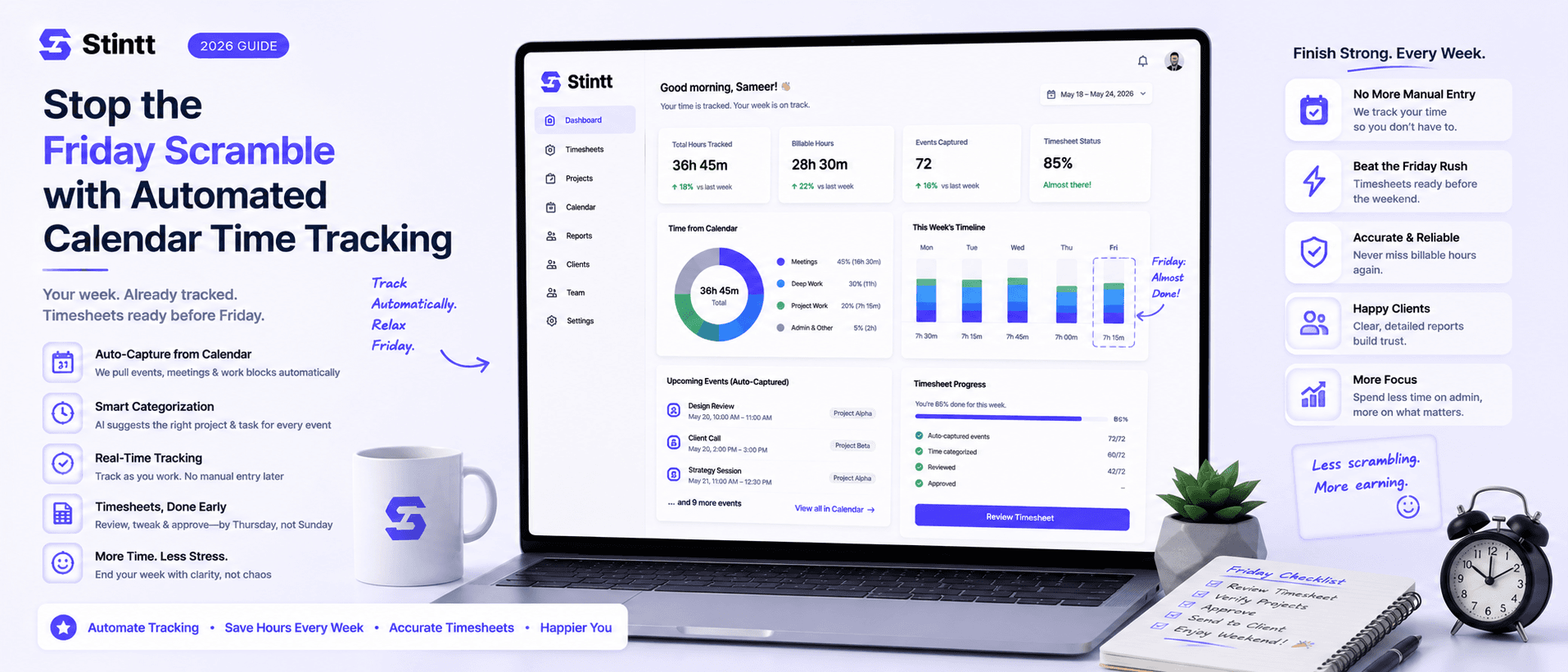
Stop the Friday Scramble with Automated Calendar Time Tracking
Automated calendar time tracking takes the events already sitting in your team's Google Calendars and turns them into drafted timesheet entries each person reviews and approves. Nobody reconstructs a week from memory at 4pm on Friday, and you stop spending Monday chasing the people who never submitted. Here's what the Friday scramble really costs, how calendar-based tracking closes the loop through to invoices, and where it's the wrong fit.
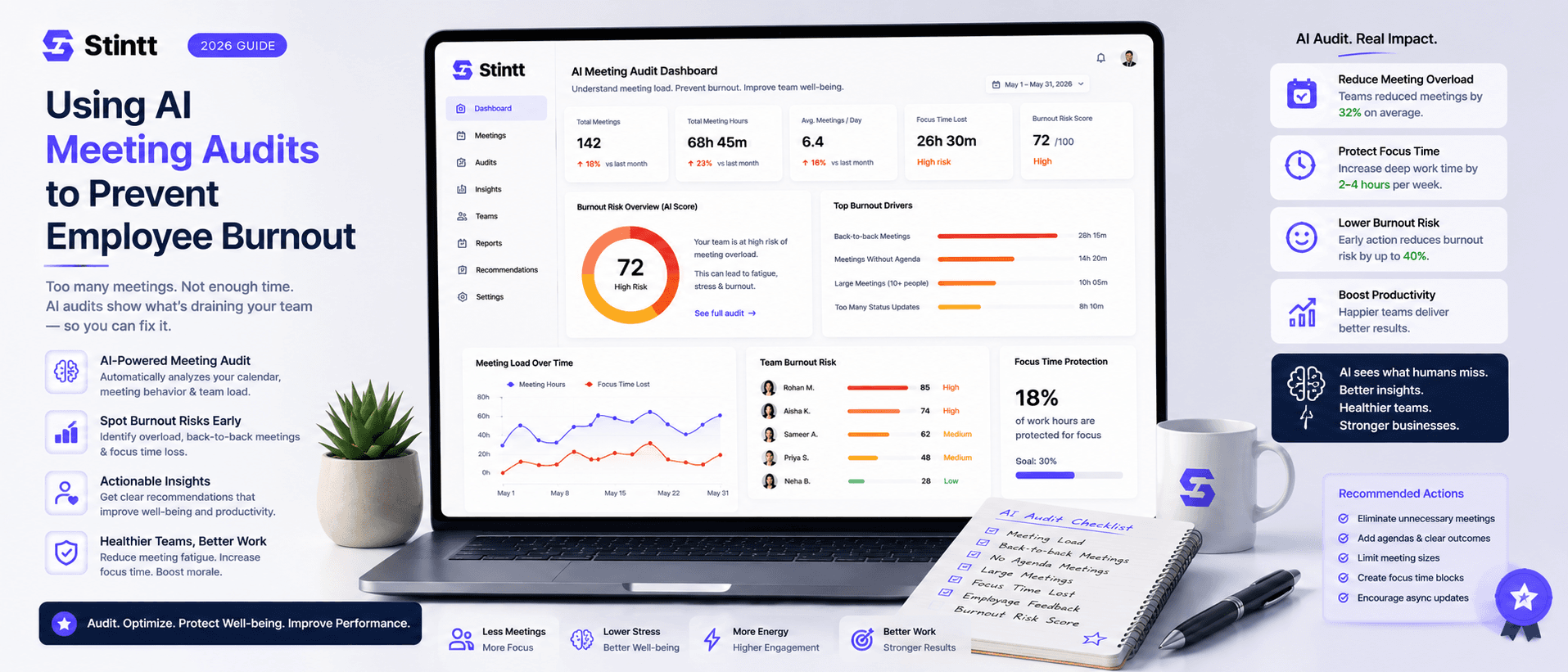
Using AI Meeting Audits to Prevent Employee Burnout
The average professional spends nearly 13 hours a week in meetings — about 84 working days a year — and constant context-switching quietly drains 20% of their mental capacity. At some point a packed calendar stops being busy and starts being a burnout risk. An AI meeting audit reads the calendar your team already keeps and gives you an honest split of meeting load versus focus time, early enough to rebalance workloads before people quit. Here's how it works, the frameworks that make meetings earn their place, and how to gather the insight without tipping into surveillance.