

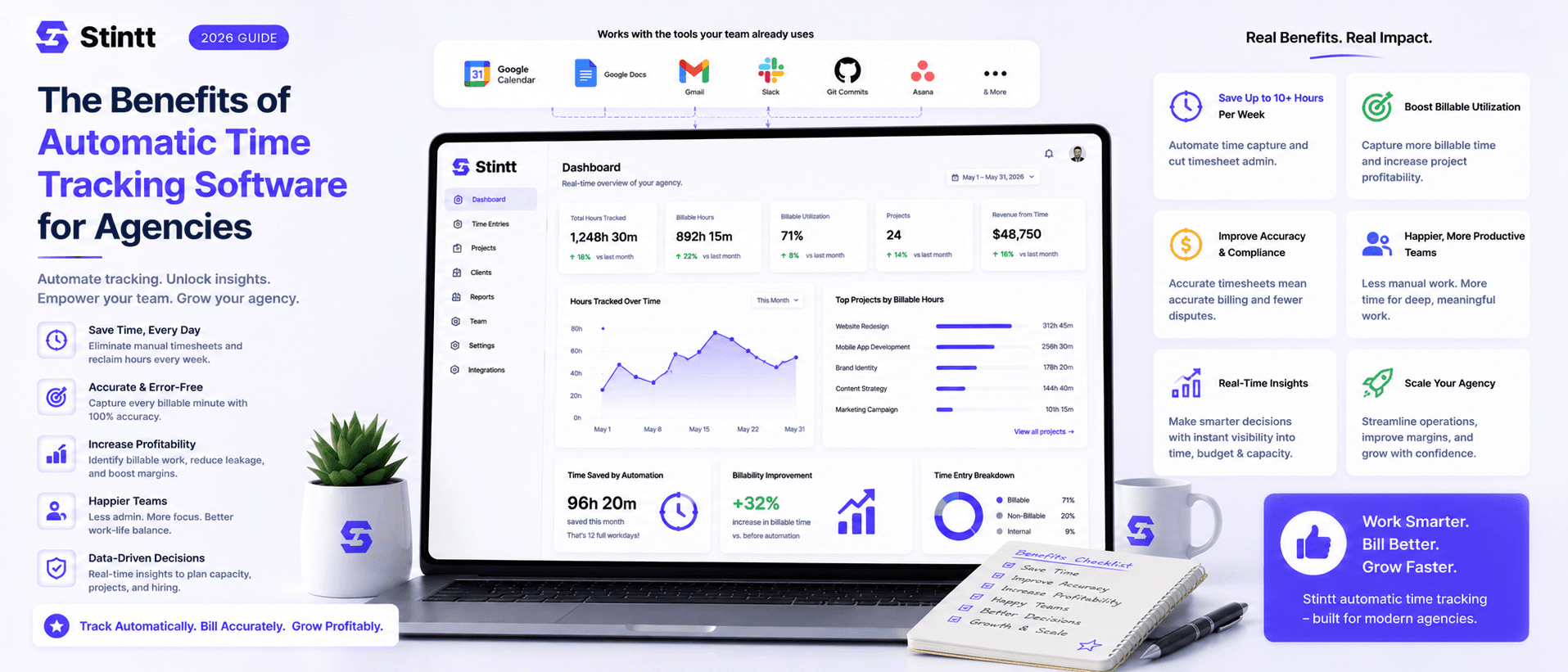
The Benefits of Automatic Time Tracking Software for Agencies
An agency that fills in timesheets from memory invoices less than it delivers. That's the whole case for automatic time tracking software: it swaps Friday-afternoon recall for a record written as the week actually happened — and for most agencies the recovered billable time is worth more than the tool costs. Here's the business case in numbers you can recompute for your own team: the unbilled work you never invoice, the utilization figures you straight from approved hours, and an honest section on when it's the wrong buy.
The Benefits of Automatic Time Tracking Software for Agencies
An agency that fills in timesheets from memory invoices less than it delivers. That's the whole case for automatic time tracking software in one sentence: it replaces Friday-afternoon recall with a record written as the week actually happened, and for most agencies the recovered billable time is worth more than the tool costs.
I've signed off on payroll built from timesheets I knew were partly fiction. Everyone signs them anyway, because the alternative is an argument nobody wants on a Friday. So here is the business case laid out properly: the benefits of automatic time tracking software for agencies, in numbers you can recompute for your own team, plus an honest section at the end on when it's the wrong buy.
The billable work you never invoice

Memory is the weakest link in any billing pipeline. By Friday, Tuesday's 40-minute "quick sync" with a client is gone. People reliably remember the big blocks and lose the connective tissue: the call that ran long, the scope conversation squeezed between two meetings, the 25 minutes of prep before a pitch. None of it felt worth writing down in the moment. All of it was client work.
Here's where that shows up: not as a line on a report, but as an invoice that's smaller than the work behind it. Picture a single client engagement billed at $125 an hour. Over the month the team puts in 250 hours, but Friday-memory timesheets only capture 210 of them: the short client calls and the last-minute revisions that never made anyone's list. Forty hours of real, delivered work, worth $5,000, never reaches an invoice. Nobody stole it. Nobody could remember it by Friday. And it compounds: the next similarly scoped engagement gets quoted off the understated 210 hours instead of the 250 it actually took, so that one starts underpriced too.
Automatic tracking closes that gap by starting from a record that already exists, not by doing your margin math for you. Stintt reads your team's Google Calendar and drafts timesheet entries from the events already sitting there, categorizing each one as a meeting, focus work, admin, a break, or time off, and attributing the work to a project with a #tag in the event title. The forgotten Tuesday sync gets drafted because it was on the calendar, whether or not anyone remembered it three days later, and it lands against the right project instead of nowhere. Nothing hits an invoice on autopilot, either: every drafted entry waits for a human to approve it first. Once hours are approved, the per-project total is a number you can actually price against, not a guess reconstructed after the project's already closed. If you want the longer argument between the two approaches, we made it in calendar-based vs manual time tracking.
Timesheet admin is a payroll line you never see
The second leak is the tracking work itself, and it costs money whether or not anyone puts it on a budget line. We did the full-year math on Friday-afternoon reconstruction in what 26 hours a year of timesheeting actually costs you — worth a look if you want the per-person number for your own team.
Timing makes it worse. That admin lands at the end of the week, exactly when recall is weakest and everyone wants to be done. We've written before about why Friday afternoons were never meant for timesheets.
Drafted timesheets change the job from authoring to editing. Monday morning, last week already exists as a draft; each person corrects what's wrong, adds what the calendar missed, and approves. Work that never made the calendar still gets in: Stintt captures quick standup notes from chat, so "spent the morning untangling the client's DNS mess" becomes an entry without anyone opening a timesheet form. End-of-day reminders nudge the people who would otherwise forget entirely.
Utilization numbers you can finally trust

Self-reported hours are political documents. People pad entries to look busy and shave them to look efficient. The unclassifiable gets dumped into whichever project still has budget. Build a hiring decision on that data and you're one bad spreadsheet away from a mistake that costs a full salary.
Say you're weighing a fourth designer against pushing the current three harder. Self-reported time has all three around 75% billable, which reads as headroom, so the hire waits. Calendar-drafted data tells a different story: once meetings and admin get categorized instead of guessed at, real billable time comes out closer to 55%, twenty points below what the weekly self-report claimed. That gap doesn't show up in a spreadsheet people fill in from memory once a week. It only shows up when the record comes from what actually happened on the calendar.
A simpler test: can you say, within a few points, what share of each person's time last month was billable? If not, you're managing capacity by feel, and feel usually notices overload only after someone resigns.
Meetings are usually the first shock once the data gets honest. A standing 30-minute status call with six people at $90 an hour costs $270 a week, around $14,000 a year. That's one recurring invite. Our free meeting cost calculator runs that math for any meeting on your calendar.
On Stintt's Workspace plan, approved entries roll up into team-level views: utilization and capacity per person, meeting load against focus time, per-project breakdowns, and AI capacity briefings that flag overload early and suggest where to rebalance. The point isn't a prettier dashboard. It's that the underlying entries came from real events a human reviewed, so the numbers are worth acting on.
Tracking that doesn't spy on your team
A lot of "automatic" tracking is surveillance wearing a productivity costume: screenshots, keystroke counts, app monitoring, idle-time flags. Install one of those in a creative agency in 2026 and watch what happens to trust, and then to your senior people's LinkedIn activity.
Calendar-based tracking skips the whole category. The calendar is something your team already shares with each other, so drafting timesheets from it adds no new watching. Stintt connects through Google's read-only calendar scope, which means it can see events but can't edit or delete anything. There are no screenshots, no keystroke logging, no GPS, and no monitoring of apps or screens. Each person reviews and approves their own draft before it goes anywhere, which keeps the record theirs rather than something done to them. We explain the data-handling side in why we don't store your events, and the full picture lives on our security page.
Approved hours become invoices, not arguments
Tracking is only half the pipeline. The benefit agencies actually feel arrives at billing time.
In Stintt, drafted entries flow through an approval loop: a manager approves or discards each one, or turns on auto-approve for people whose drafts are consistently clean. Only approved hours count toward billing, which means the invoice you send was reviewed twice, once by the person who did the work and once by the person responsible for the client.
From there, you can generate an invoice directly from approved billable hours and export it as a PDF, including a GST-compliant template if you bill in India. If your accountant wants raw data instead, timesheets export to Excel with one tab per person, or to CSV or PDF, with custom columns and date formats. And when a client questions a line item, you can point at the calendar event behind it instead of a guess: who was on the call and when. Disputes get shorter when the evidence is that specific.
When automatic time tracking software is the wrong buy
No tool fits every team, and pretending otherwise is how software gets bought and abandoned. Skip calendar-based automatic tracking if:
- Your team works in the field. Crews, installers, and site visits need GPS clock-in and geofencing. That's a different product category (field-service management), and a calendar-first tool will frustrate you.
- Your work never touches the calendar. If your people do long uninterrupted maker days with no meetings and no time-blocking, there's less for a calendar-based tool to draft from. A timer tool like Toggl or Harvest may fit better, or fix your calendar hygiene first and revisit.
- You bill in six-minute increments. Legal-style billing wants timer-grade granularity that calendar blocks don't naturally provide.
Where to start
You can test the core claim against your own history in an afternoon. Connect Google Calendar and Stintt syncs your past events (up to 18 months) and drafts them into timesheets, so the first thing you see is what last month actually looked like instead of what anyone remembers about it. Review one week, approve it, export it, and compare it against what your team submitted by hand. The gap between the two files is the business case, in your own data.
There's a free plan with no credit card required, and free trials (7 days for Pro, 14 for Workspace) if you want the team insights and invoicing; details are on the pricing page. Start with your own calendar at stintt.com and let the drafts make the argument for you.
- See how Stintt builds automatic timesheets from Google Calendar
- Set up the Google Calendar timesheet integration
- Try the free timesheet calculator
- Compare plans on Stintt pricing
Related articles

Free Timesheet Templates for Freelancers 2026
Download free timesheet templates designed for freelancers in 2026. Excel, Google Sheets, and auto-generated options — plus a smarter alternative that fills itself.
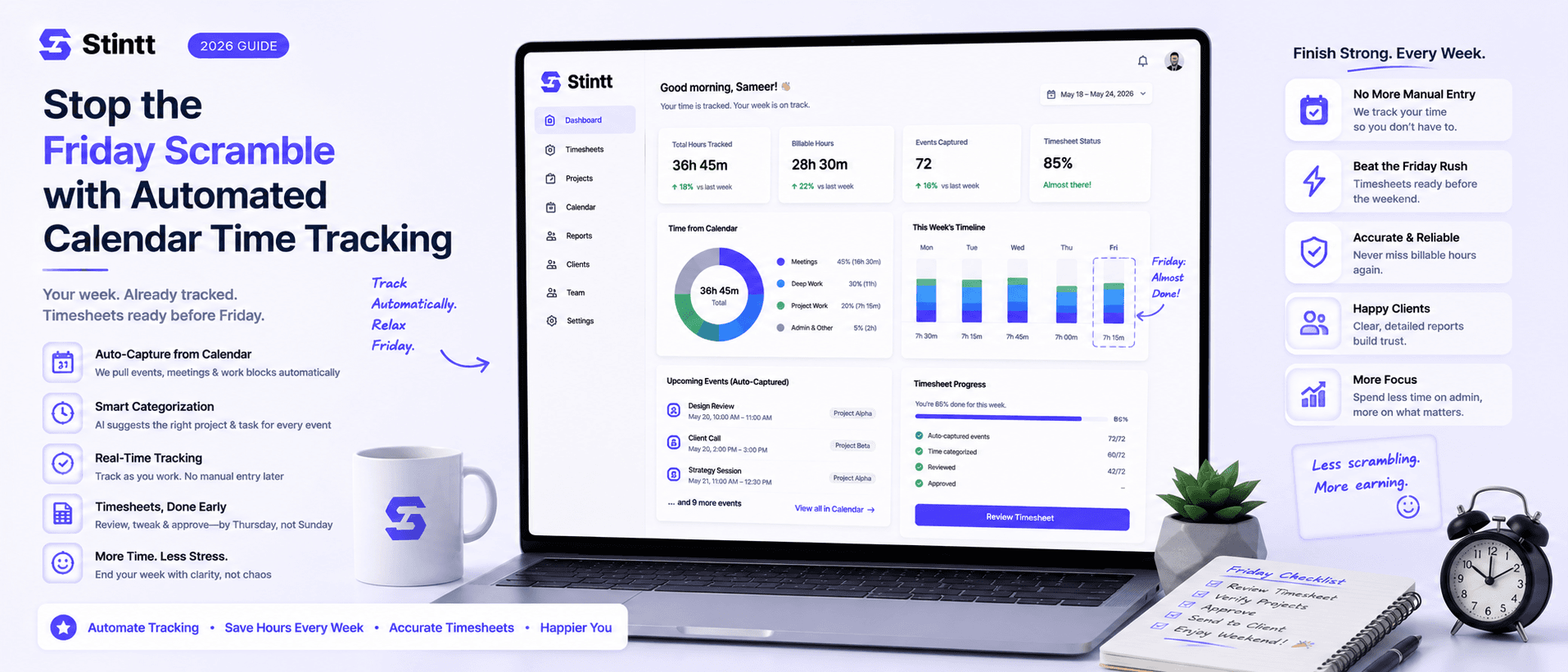
Stop the Friday Scramble with Automated Calendar Time Tracking
Automated calendar time tracking takes the events already sitting in your team's Google Calendars and turns them into drafted timesheet entries each person reviews and approves. Nobody reconstructs a week from memory at 4pm on Friday, and you stop spending Monday chasing the people who never submitted. Here's what the Friday scramble really costs, how calendar-based tracking closes the loop through to invoices, and where it's the wrong fit.
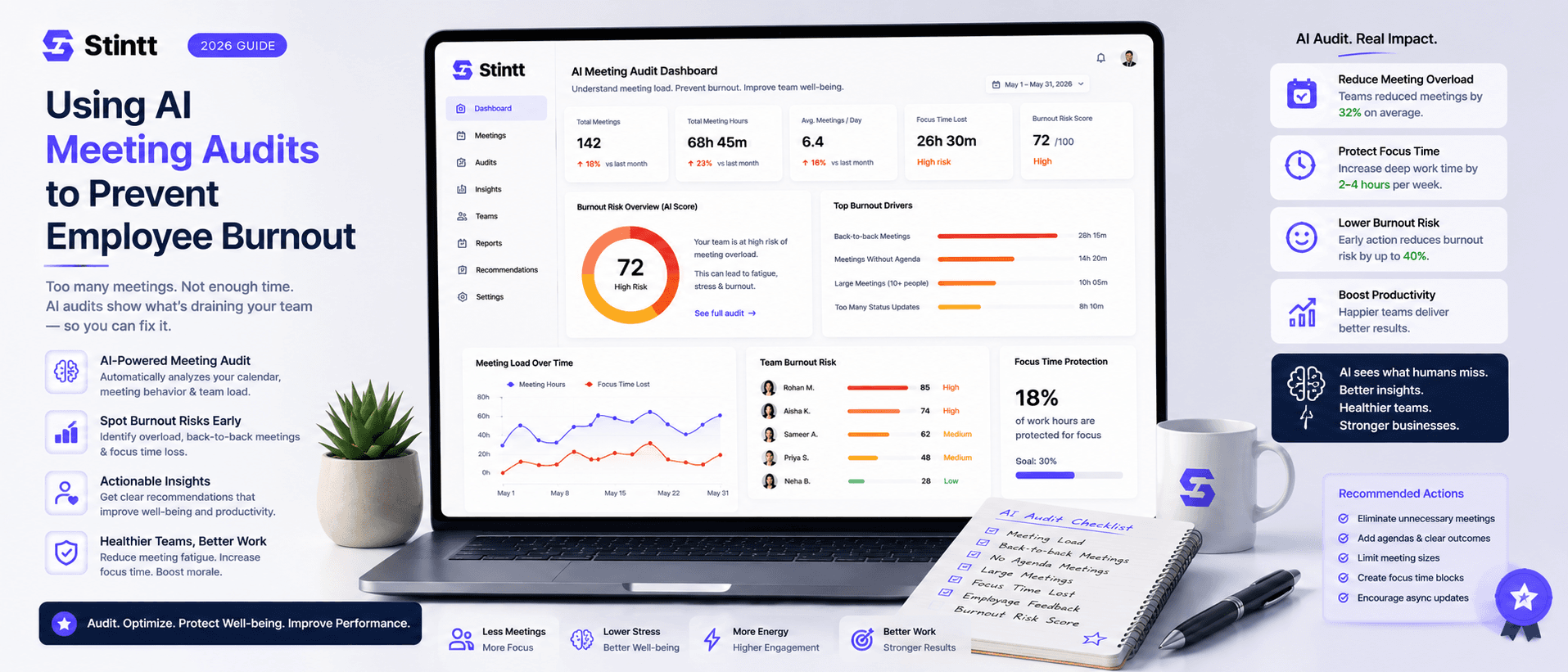
Using AI Meeting Audits to Prevent Employee Burnout
The average professional spends nearly 13 hours a week in meetings — about 84 working days a year — and constant context-switching quietly drains 20% of their mental capacity. At some point a packed calendar stops being busy and starts being a burnout risk. An AI meeting audit reads the calendar your team already keeps and gives you an honest split of meeting load versus focus time, early enough to rebalance workloads before people quit. Here's how it works, the frameworks that make meetings earn their place, and how to gather the insight without tipping into surveillance.