

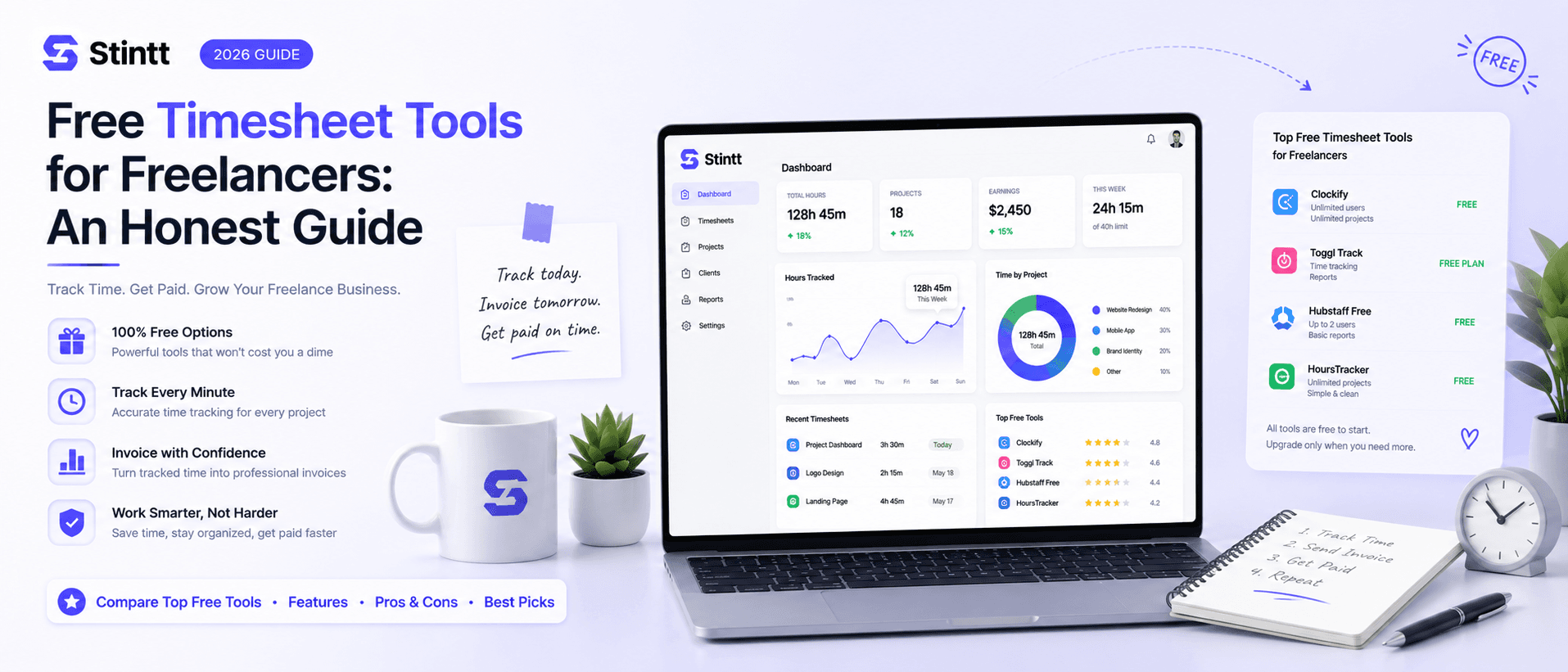
Free Timesheet Tools for Freelancers: An Honest Guide
You can track and bill your hours without paying for software — but free tiers just got more selective (Clockify capped its unlimited plan in April 2026). This honest guide breaks down what each free tier really includes as of July 2026, who it fits, and the moment a spreadsheet stops saving you money and starts leaking it.
Free Timesheet Tools for Freelancers: An Honest Guide
You can track and bill your hours properly without paying for software — but free timesheet tools for freelancers just got more selective. Clockify capped its famously unlimited free tier at five users in 2026, Harvest's free plan allows exactly one seat and two projects, and Toggl Track keeps billable rates behind a paid plan. This guide covers what each free tier includes as of July 2026, who each tool fits, and when a plain spreadsheet is still the right call.
One disclosure before the list: we make Stintt, and it's in here. It has a real free plan, and you'll get its limits stated as bluntly as everyone else's — including who shouldn't use it.
The short answer
- You like running timers and want apps on every device: Toggl Track
- You want the most room on a free plan: Clockify
- You're solo with one or two clients and want invoices built from tracked hours: Harvest
- You need unlimited free seats: TrackingTime
- Your work already lives in Google Calendar and you'd rather not track at all: Stintt
How to judge a free plan
Three things matter more than anything on the pricing page.
The capture model. Timer tools make you do the work: start, stop, remember. Activity trackers watch your computer in the background. Calendar-based tools read what you already scheduled. The model determines your daily labor, and daily labor is a big reason many freelancers abandon time tracking within a month.
What the free tier withholds. Vendors are deliberate about this. The free plan usually holds back the exact thing a paying freelancer needs — almost always billable rates, invoicing, or exports. Before committing, check that the paywall sits in front of features you don't need this quarter, not ones you need this week.
Whether your data leaves cleanly. You will switch tools at some point. If your hours can't come out as CSV or Excel, they're hostage.
Free-tier limits also change without notice (Clockify's April change is proof), so confirm the specifics below on each vendor's pricing page before you build a habit around them.
Five free timesheet tools worth your time
Toggl Track: for freelancers who genuinely like timers
Toggl Track is the best-known timer tool for a reason. The free plan supports up to five users and includes unlimited time entries, projects, and clients, with apps for web, desktop, and mobile plus Google and Outlook calendar integrations.
The catch for freelancers: billable rates start on the paid Starter plan. You can log every hour for free, but attaching your rate to entries and reporting on revenue costs money. So the free tier tracks your time well and leaves the billing math to you and a spreadsheet.
Pick it if you like the discipline of a running timer and want your tracker on every device. We compared the timer model against calendar-first tracking in our Toggl comparison if you're weighing the two.
Clockify: the most generous free plan left
For years Clockify's answer to every limit question was "unlimited." That changed in 2026, when the free plan was capped at five users — so treat any older roundup claiming unlimited seats as out of date.
What's still free is substantial: unlimited tracked time, projects, tasks, and clients, timer and manual weekly-timesheet entry, desktop and mobile apps, and calendar sync. The squeeze is in reporting, where free reports only cover a one-month range at a time, and in invoicing, which is paid.
Pick it if budget is the constraint and you want the most tool for nothing. A freelancer with five clients and no revenue-reporting needs can live on Clockify free indefinitely.
Harvest: invoicing included, tiny ceiling
Harvest's free plan is one seat and two active projects. That sounds stingy next to Clockify until you notice what's inside: invoicing is included, so tracked hours flow into a client invoice without copy-paste.
Pick it if your practice is deliberately small — say one retainer and one project client — and the thing you hate most is building invoices by hand. The moment client number three arrives, you're on a paid plan, so go in knowing that.
TrackingTime: unlimited seats, lighter everything else
TrackingTime kept the deal Clockify dropped: the free plan has no seat cap, with unlimited users, projects, and tasks. Its day view is laid out like a calendar, which suits people who think in time blocks rather than task lists.
The trade-off is depth. Analytics on the free tier stay basic, and richer reporting and most integrations live on paid plans. Pick it if you're a loose collective of freelancers who want shared visibility of hours without paying per seat.
Stintt: no timers at all (yes, we make it)

Stintt works on a different model from everything above. You connect your Google Calendar through read-only access (it cannot edit or delete anything), and it drafts your timesheet from the events already sitting there, categorizing them with AI into meetings, focus work, and admin. You review the draft, fix what's wrong, approve it, and export.
The free plan: one Google Calendar, AI categorization for up to 50 events a month, and exports covering up to seven days of events at a time with two export templates. Honest sizing: 50 events a month runs the full workflow on a light calendar. If you're in 30 meetings a week, you'll exhaust it mid-month — which is the point where a paid plan starts earning its keep.
Who it's not for matters just as much. If your work never touches your calendar, there's nothing to draft from. If you need offline tracking or GPS for field work, Stintt does none of that — and it also takes no screenshots and does no activity monitoring, on purpose. Pick it if your week already runs on Google Calendar and the tracking you resent most is telling software things your calendar already knows.
Two "free" regulars that aren't free
Two tools show up on almost every free-tracker roundup despite having no free plan. Both are trial-only, so they don't belong on this list, but they're worth knowing about because they represent the third capture model.
Memtime is a desktop app that records which applications and documents you use in the background, then reconstructs your day from that activity log. Nothing gets forgotten, which is the appeal. It runs a two-week trial and then it's paid plans only.
EARLY (formerly Timeular) pairs its app with an optional physical eight-sided device you flip to switch tasks. Clever hardware, and again: a trial, then paid.
Neither is a bad product. But a roundup that lists them as free is reprinting a press kit, not checking pricing pages.
The spreadsheet is still a legitimate option
A Google Sheet is the only truly unlimited free timesheet, and for a certain kind of freelancer it's genuinely fine. It works as long as three things stay true: you have one or two clients, you bill one rate, and you log hours the same day you work them.
Break any of those and the sheet starts leaking money — because the failure mode of spreadsheets isn't the spreadsheet. It's your memory. Reconstructing Thursday on Friday afternoon means the 15-minute client call and the "quick" scope discussion never make it into a cell. Twenty forgotten minutes a day is about 1.7 hours a week, or roughly 83 hours over a 50-week year — more than two standard 40-hour workweeks of billable time you did but never invoiced. Run that math against your own week; the number is rarely comfortable. We dug into this in why freelancers systematically underbill, and into where timesheet templates break down.
While you're in free-tool territory: standalone calculators cost nothing and need no signup. Stintt publishes a free invoice generator and a freelance rate calculator that work even if you never touch the product.
Timers, activity trackers, or your calendar
Every tool in this space uses one of three capture models, and your pick should match a habit you already have rather than one you're hoping to build.
Timers are precise when you remember them and fiction when you don't. I've abandoned three timer tools myself, and the pattern was always the same: the timer runs through lunch, sits idle through the client call, and then Friday becomes an editing session where I guess at my own week.
Background activity trackers like Memtime miss nothing, but you're keeping a machine log of everything you do on your computer, and the record stops at your desktop — so calls, whiteboards, and offsite work go missing. Some freelancers are entirely comfortable with that bargain. If you're not, no feature list fixes it.
Calendar-based tools read the schedule you already keep. There's no daily labor, and the record matches what a client would recognize: the meetings and the booked focus blocks. The weakness is symmetrical — an empty calendar produces an empty timesheet. It only works if scheduling is already how you run your day. We've written a fuller breakdown in calendar-based vs manual time tracking.
When you outgrow free tools
Free tiers end for freelancers in predictable ways. Watch for three signs.
A second person joins. The moment you subcontract, you're not tracking your own hours anymore — you're chasing someone else's. Seat caps and missing approval flows turn a free tool into an admin job.
A client disputes an invoice. "Where did these 14 hours go?" is a very different question when your answer is a timer log you edited from memory versus calendar-backed entries that were reviewed and approved before billing.
Invoicing eats an afternoon. When assembling hours into invoices across clients takes longer than the work deserves, the tracking tool and the billing tool need to be the same tool.
This is the freelancer-to-small-agency line, and it's where a paid plan stops being a subscription and starts being margin. On Stintt's paid tiers you get up to 18 months of calendar history to see what your working year really contained, an approval step on every entry before it counts, invoices generated straight from approved hours (including a GST-compliant template), and Excel, CSV, and PDF exports. Current limits are on the pricing page.
Start free, but start
Any tool on this list beats reconstructing your week from memory, so pick the one that matches how you already work and let it run for two weeks. If your day is scheduled in Google Calendar, the fastest test is to connect a calendar on Stintt's free plan and put one drafted week next to what you would have billed from memory. The gap between the two is the cost of your current system.
- See how Stintt builds automatic timesheets from Google Calendar
- Set up the Google Calendar timesheet integration
- Try the free timesheet calculator
- Compare plans on Stintt pricing
Related articles
ClickUp Time Tracking to Excel: Step-by-Step Guide
ClickUp has solid built-in time tracking, but exporting it to Excel for clients or management is clunky. Here are three ways to get your ClickUp hours into a proper spreadsheet.
How to Create Timesheets from Asana Tasks
Asana doesn't have native timesheet export. Here's how to turn your Asana tasks and time tracking into professional timesheets for clients and managers.
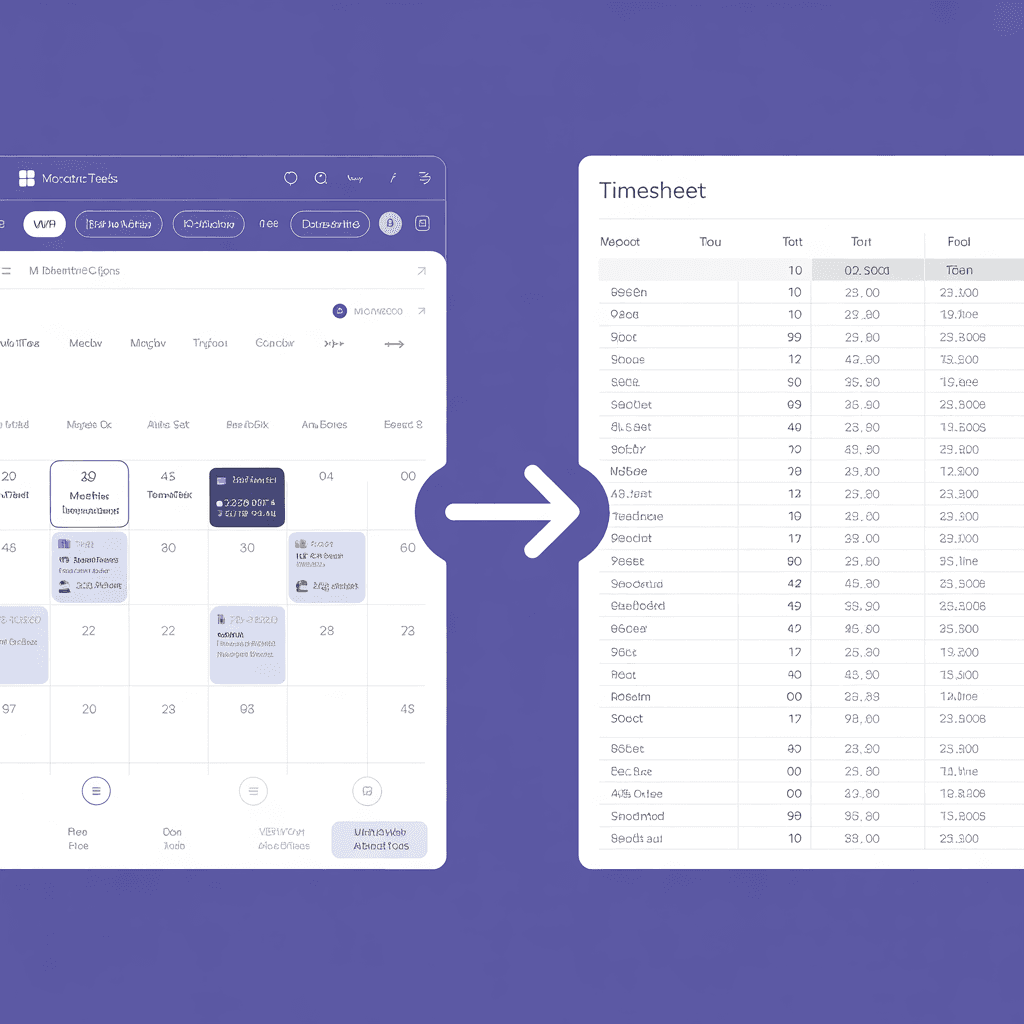
How to Export Microsoft Teams Meetings to a Timesheet
Your Teams calendar already tracks every meeting. Here's how to turn that data into a professional timesheet — manually, with Power Automate, or with an automated tool.